Automate Order Changes & Cancellations with Flyweight AI
Discover how your Shopify AI chatbot can automatically update shipping addresses and cancel orders using Shopify API or Flow.

Turn Your Shopify Chatbot into an AI Action Agent
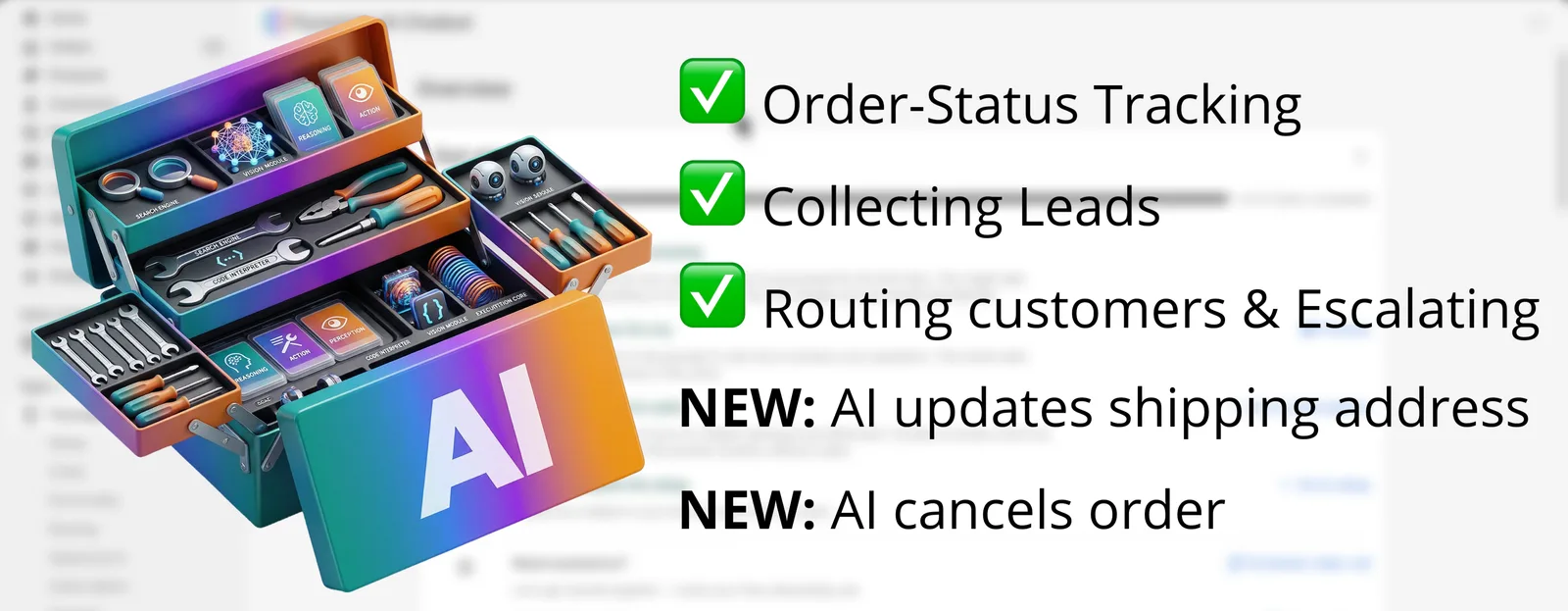
Your Shopify chatbot already handles a lot out of the box:
- Order status tracking
- Lead capture
- Customer routing
- Support escalation
Now, Flyweight AI takes it a step further.
🚀 New AI Capabilities
Your AI chatbot can now take direct action inside your store:
- NEW: AI updates shipping addresses
- NEW: AI cancels orders
These are not just replies. They are real actions carried out in Shopify.
Two Ways Your AI Can Take Action
Both features are set up as routings, and you choose how they should work:
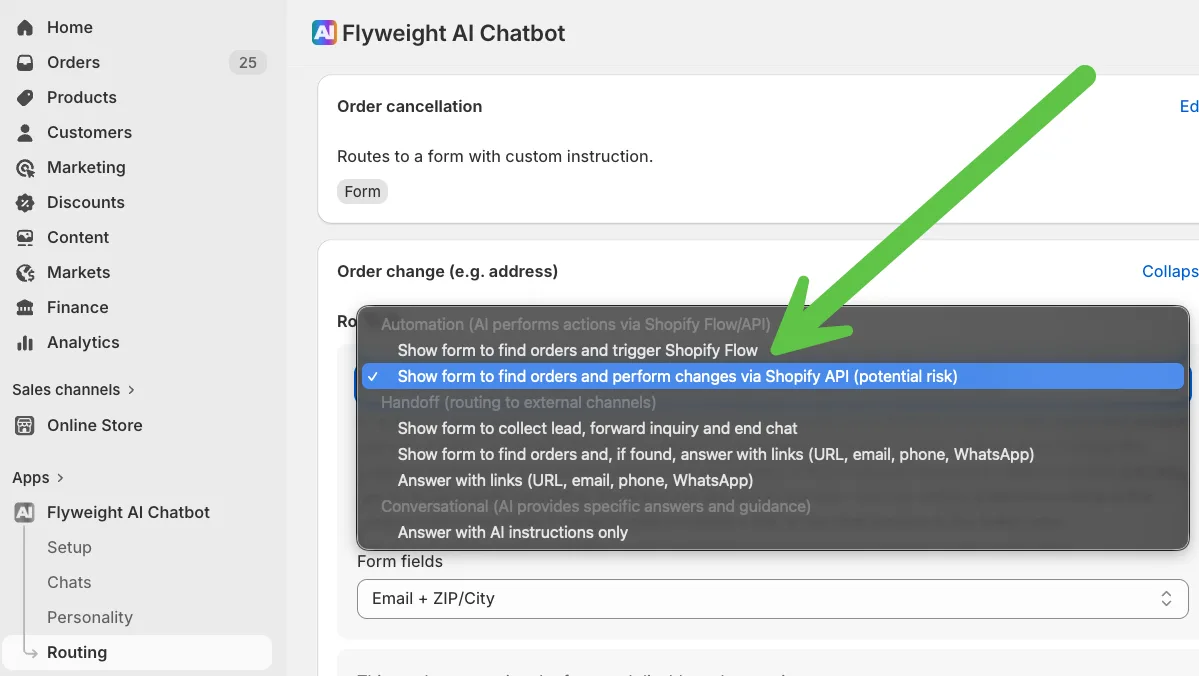
1. Shopify API (Direct Action)
- AI performs the action right away
- Best for fast, simple updates
- Requires order edit permissions
👉 Ideal for:
- Changing shipping addresses
- Quick cancellations
2. Shopify Flow (Automation Workflow)
- AI triggers a workflow instead of acting directly
- You can add extra logic and checks
- No direct edit permissions required
👉 Ideal for:
- Controlled cancellations
- More complex workflows (refunds, tagging, fraud checks)
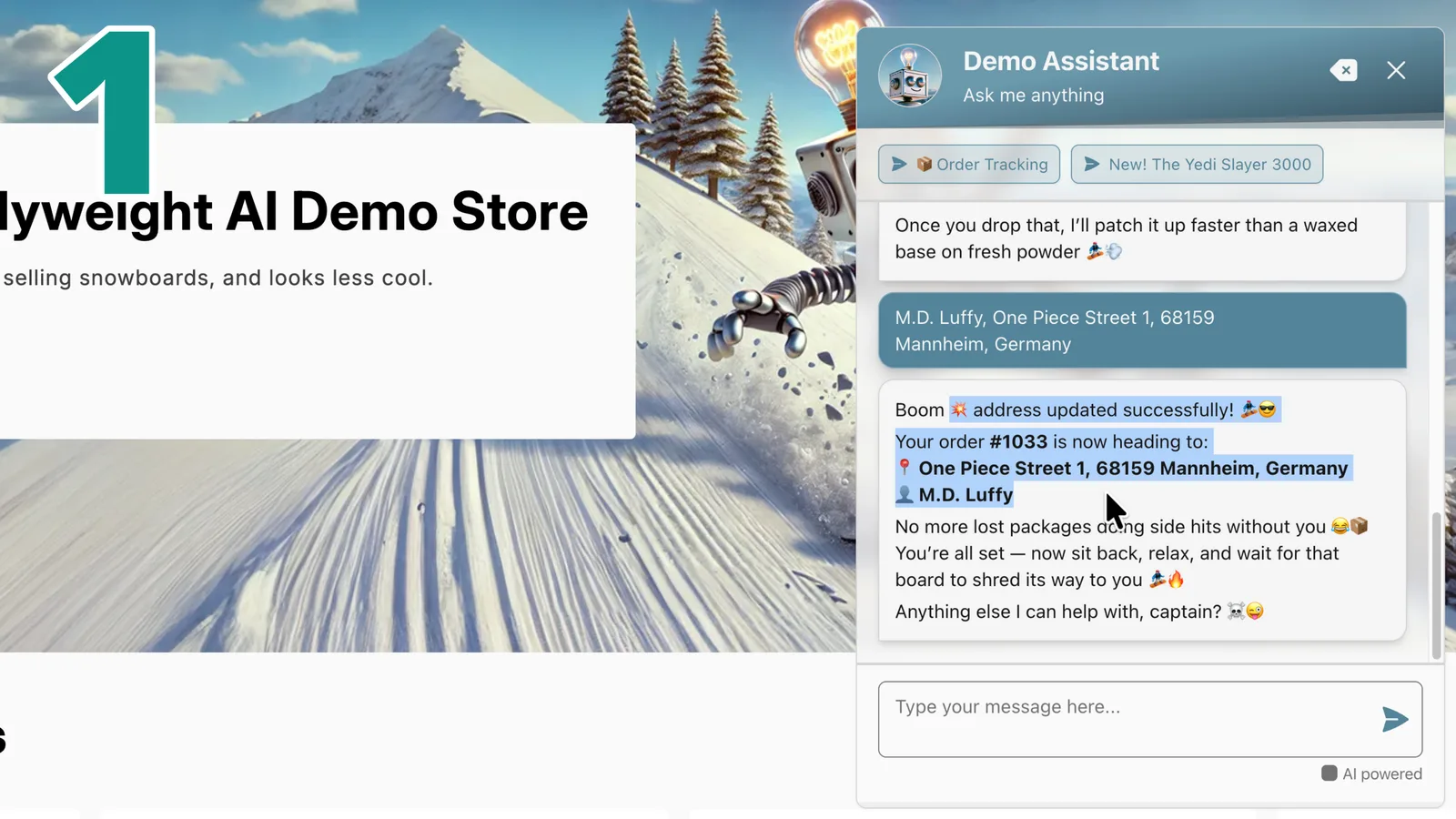
Updating Shipping Addresses with AI
Using Shopify API (Recommended)
This is the fastest and easiest setup.
How it works:
- Customer asks for a change
- AI shows a verification form (for example, email + ZIP code)
- The order is validated
- The customer submits the new address
- AI updates the order instantly
Important Requirement
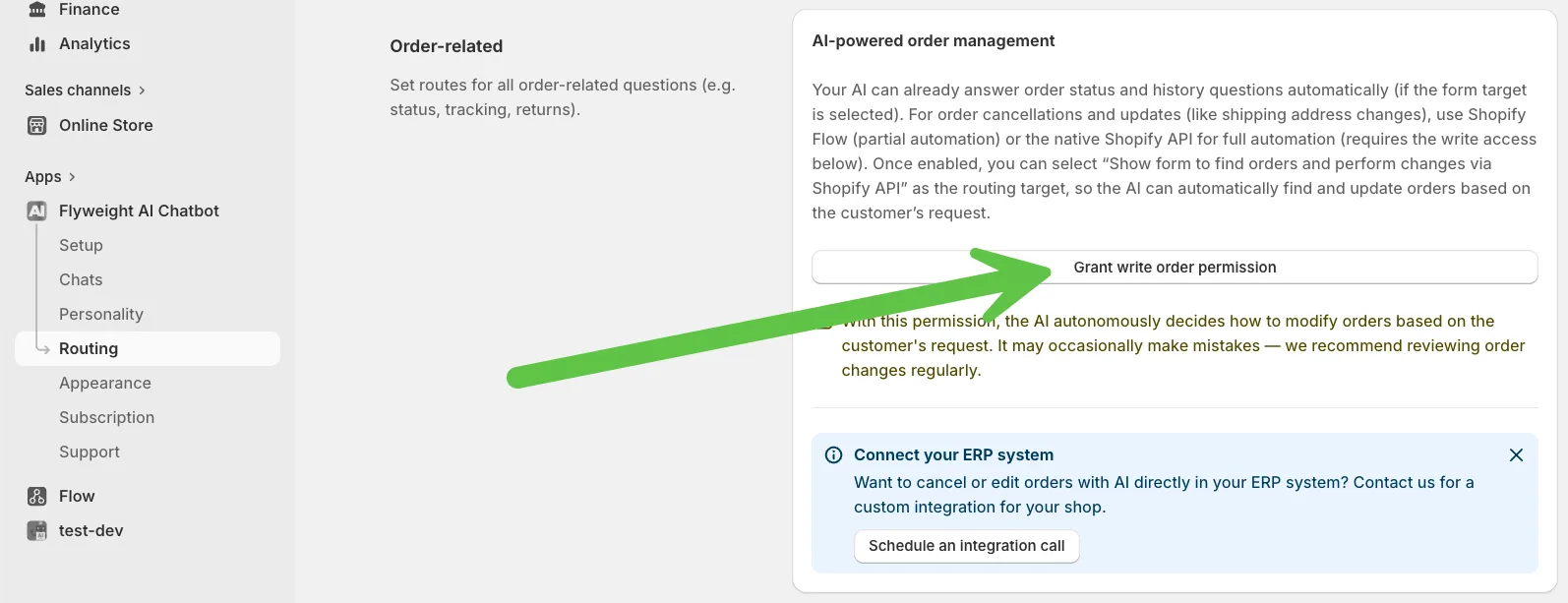
To enable this, you need to:
- Grant order edit permissions to the AI
- Keep access limited to recent orders (for example, the last 60 days)
Can this work with Shopify Flow?
Not directly.
Shopify Flow cannot fully edit shipping addresses, but it can:
- Pause fulfillment
- Flag the order
- Trigger internal processes
👉 Use Flow if you want manual review or extra safeguards.
Canceling Orders with AI
Order cancellations are more flexible.
Works with BOTH:
Shopify API
- Immediate cancellation
- Fully handled by AI
Shopify Flow
- AI triggers a workflow
- You can:
- Refund automatically
- Restock items
- Send notifications
- Add conditions
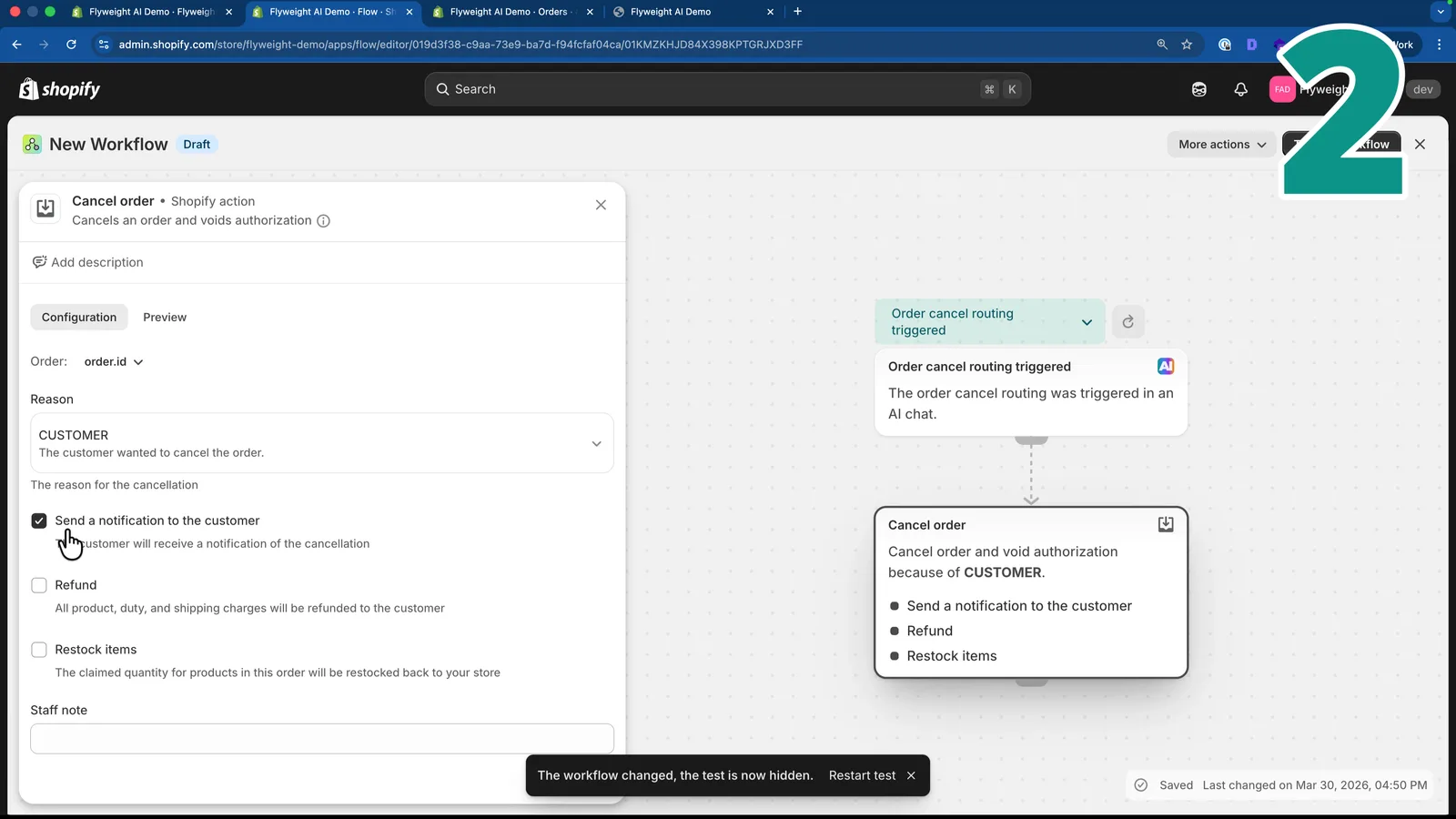
Example Flow Setup
Trigger: Order Cancel Routing Triggered
Action: Cancel Order
Optional steps:
- Refund payment
- Restock inventory
- Notify customer
Key Differences at a Glance
| Feature | Shopify API | Shopify Flow |
|---|---|---|
| Speed | Instant | Slight delay |
| Permissions | Required | Not required |
| Flexibility | Low | High |
| Address change | ✅ Yes | ❌ Not fully |
| Order cancel | ✅ Yes | ✅ Yes |
What Should You Choose?
👉 Use Shopify API if:
- You want maximum automation
- You are comfortable letting AI take direct action
- You need instant updates, like address changes
👉 Use Shopify Flow if:
- You want more control
- You need custom logic or approvals
- You do not want to grant edit permissions
Best Practice for Your Shop
For most stores, the best setup is:
- ✅ Use API for address updates
- ✅ Use Flow for cancellations with logic
This gives you:
- Speed where you need it
- Control where it matters
Final Thoughts
Your Shopify chatbot is no longer just a support tool. It's becoming a real AI agent.
With Flyweight AI, your store can:
- Handle requests instantly
- Reduce manual work
- Improve the customer experience
👉 The result: faster support, fewer mistakes, happier customers.
Need help getting this set up? We’re here for you 🚀

 Ice Barrel
 STAY SPICED !
 Australian Bodycare
 Pullup & Dip
 Venen Engel
 VEYNOU